среда, 7 августа 2019 г.

New clocks.
Let me introduce three new clocks.
Analog Clock Set-7
Main feature: use 12 slots on the clock ring to display useful informations: current date, digital clock, battery charge, etc.


Informative Analog Clock-7
Main feature: use 8 big slots on the dial to display userful informations.


Main feature: use two kinds of clock in one app.


Analog Clock Set-7
Main feature: use 12 slots on the clock ring to display useful informations: current date, digital clock, battery charge, etc.


Informative Analog Clock-7
Main feature: use 8 big slots on the dial to display userful informations.


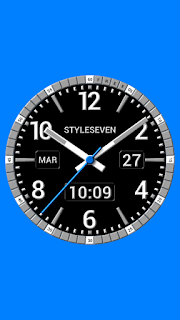
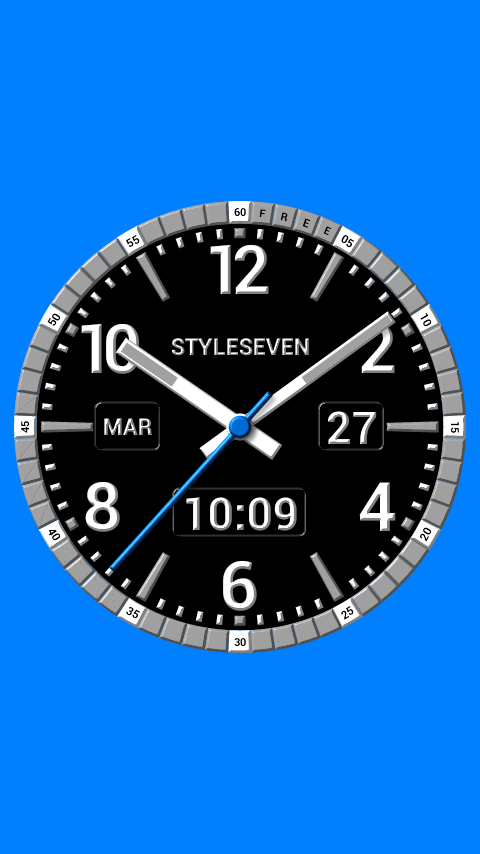
Kit Analog Clock Live Wallpaper-7
Analog clock based on app Analog Clock Constructor-7 but has unique additional options and new appearance. Enjoy for free.




вторник, 22 января 2019 г.
Retro gaming T-shirt competition
Explore and download for free templates for T-shirt dedicated retro gaming.
My T-shirt based on favorite game "Karateka". There are three variants, each has front and back side (hint: you can ignore any side).


I created T-shirt for myself :).


My T-shirt based on favorite game "Karateka". There are three variants, each has front and back side (hint: you can ignore any side).


I created T-shirt for myself :).


вторник, 20 марта 2018 г.
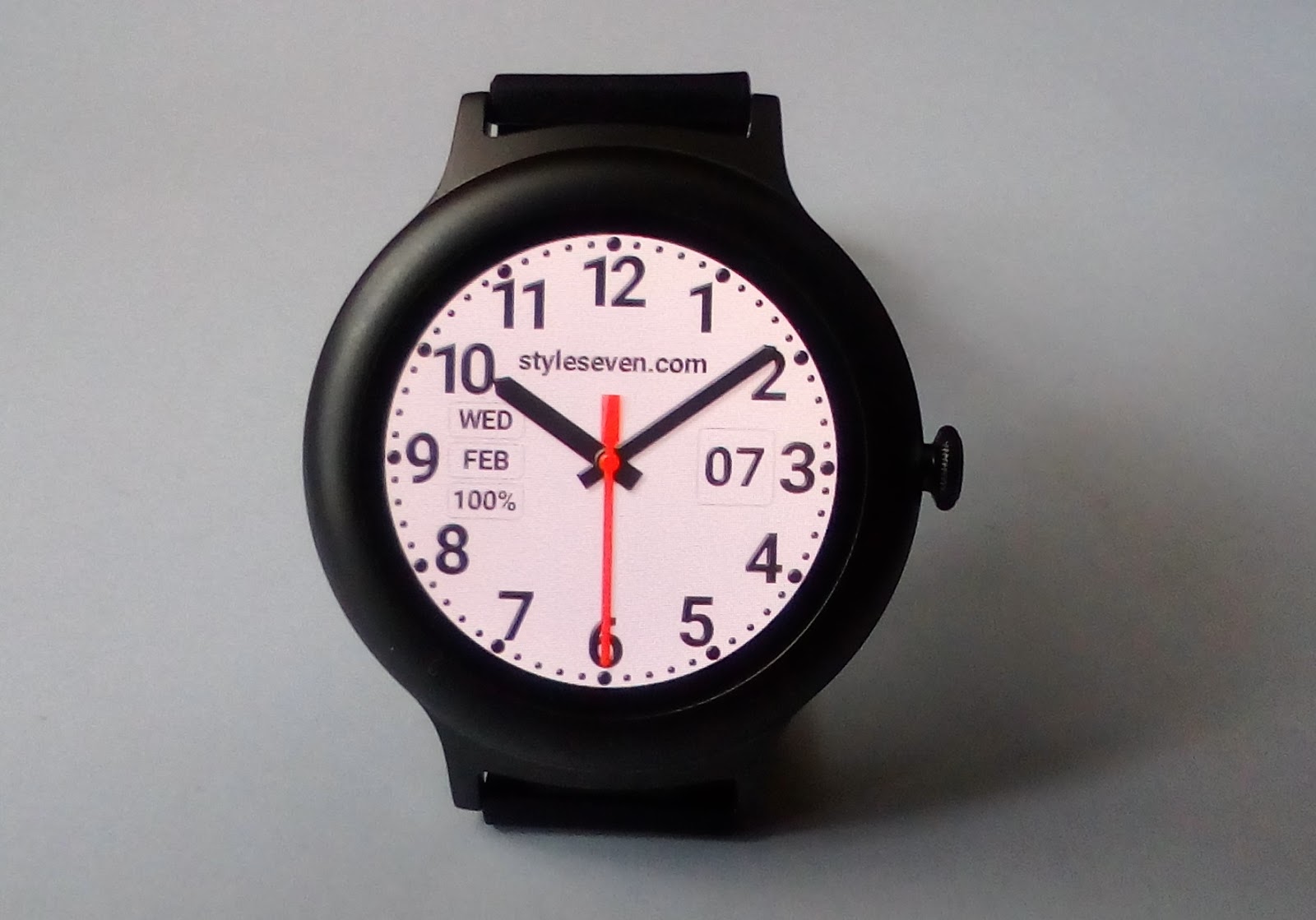
Analog Clock Constructor-7 free version for Wear OS 2.x.
This is watch face based on app Analog Clock Constructor-7.
Have a watch with Android Wear 2.x (now Wear OS)? So feel free to instal using this utility.


Have a watch with Android Wear 2.x (now Wear OS)? So feel free to instal using this utility.


суббота, 2 декабря 2017 г.


понедельник, 30 ноября 2015 г.
Free clock gadget for Google Sites
Use the analog clock gadget for Blog also for Google Sites for free.
вторник, 13 октября 2015 г.
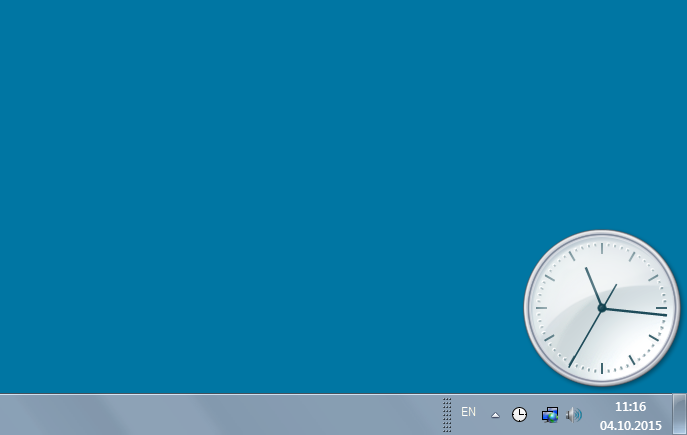
Standard desktop clock for Windows OS
Now you can put analog clock from control applete "Time and Date" to the desktop window to show current time. You can resize and move it as well. Link.

понедельник, 7 сентября 2015 г.
How to add games to steam from your hard disk
This can happen when you reinstall the operating system and want to add your games from hard disk (D, E etc.) to steam client.
1. Find your game folder. In this folder you can see "SteamApps" folder and file steam.dll. For example, "D:\Games".
2. Rename it. For example, "D:\Games2" (you can not add not empty folder to steam client as store).
3. Download, install steam client. Run it and log in.
4. Open "Menu - Steam - Settings - Downloads". Press button "Steam library folders".

5. Press button "Add library folder", Create and add "old" name folder, for example "D:\Games". Press "OK" button to save settings.
6. Restart steam client: "Menu - Steam - Quit" and start again.
7. Enjoy!
1. Find your game folder. In this folder you can see "SteamApps" folder and file steam.dll. For example, "D:\Games".
2. Rename it. For example, "D:\Games2" (you can not add not empty folder to steam client as store).
3. Download, install steam client. Run it and log in.
4. Open "Menu - Steam - Settings - Downloads". Press button "Steam library folders".

5. Press button "Add library folder", Create and add "old" name folder, for example "D:\Games". Press "OK" button to save settings.
6. Restart steam client: "Menu - Steam - Quit" and start again.
7. Enjoy!
понедельник, 31 августа 2015 г.
Language Switcher-7
Do you have more when one installed input language on your computer? So this is utility for you! Switch languages by one key [Pause/Break] or click on system tray icon. Read more..
суббота, 27 июня 2015 г.

суббота, 13 июня 2015 г.
Android User Guide video
Funny tutorial video for Android OS. Very compact. In this part all about widgets.
среда, 13 мая 2015 г.
Analog Clock MIDlet-7
Original analog clock for mobile phone. It shows: date, month, day of the week, digital clock. Mobile phone must supports java MIDlet.
 Download

среда, 15 апреля 2015 г.
Freeware clock for Windows 8.1
Feel free to install "Analog Clock W-7" for Windows 8.1. This is the first application for Windows Store.

вторник, 24 марта 2015 г.

воскресенье, 22 марта 2015 г.
Desktop clock for Windows OS
Windows 8 OS has not gadgets, but users like them. So, use "Desktop Clock Plus-7" as gadget on desktop window. It is free! Read more.


пятница, 20 марта 2015 г.
Analog Clock for Blog-7
Analog Clock for Blog-7 is original free analog clock gadget for your blog. You can resize it and change color of second hand. It is very easy to install and customize. See example on top right side.
How to install
* Open your blog page;
* Go to "Layout" page;
* Click on link "Add a Gadget". Best view on the right side;
* Click on link "More Gadgets" and find it by name or click on link "Add your own" and paste link.
* Type size of the clock and select secondary color from list box.
* Enjoy!
How to install
* Open your blog page;
* Go to "Layout" page;
* Click on link "Add a Gadget". Best view on the right side;
* Click on link "More Gadgets" and find it by name or click on link "Add your own" and paste link.
* Type size of the clock and select secondary color from list box.
* Enjoy!
Подписаться на:
Сообщения (Atom)